
In some occasions when you open OneDrive in your webbrowser it shows in Dutch. Use the following steps to change the display language of OneDrive on the web.
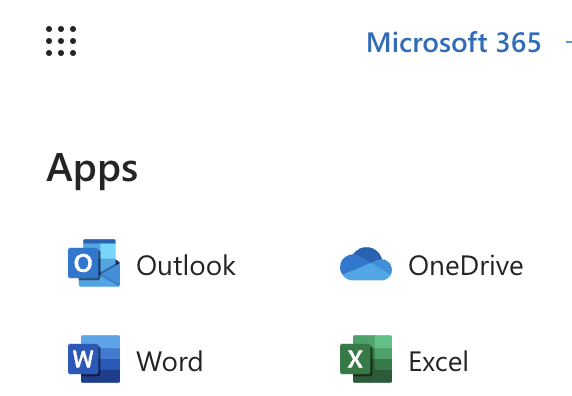
- Open OneDrive from the App launcher.
When you are logged in on Microsoft 365 in the webbrowser click the App launcher icon in the top left corner. - Click on the OneDrive icon to open it.
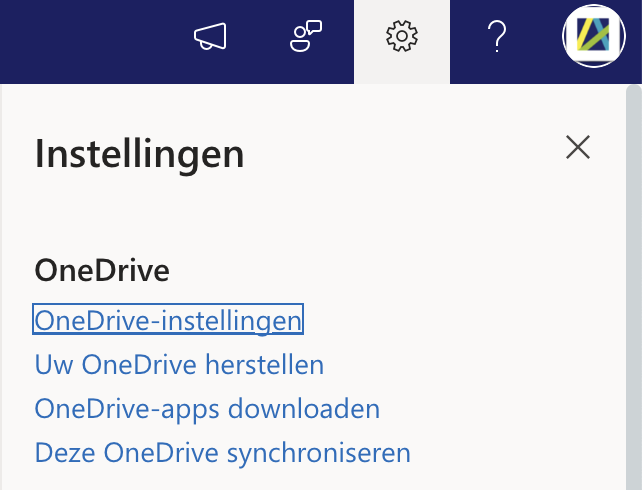
- In OneDrive open the settings by clicking in the settings icon in the top-right corner.
- Choose OneDrive-instellingen
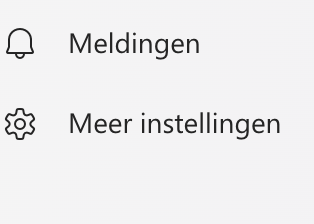
- On the next page choose Meer instellingen from then menu on the left.
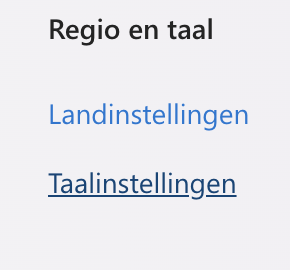
- Click on Taalinstellingen
- Click on Geavanceerde instellingen weergeven
- Select Engels (Or another language you prefer) from the list and click on the button Opslaan.
- Open Onedrive again in a new tab or window or refresh the page and you should see it in English. It might take a moment for the changes to take effect.