
You have received an email address and temporary password from your system administrator.
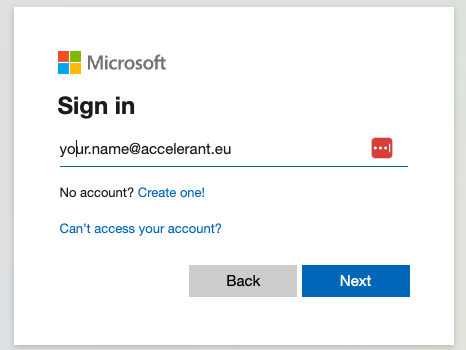
- To activate your account go to: https://login.accelerant.eu. This forwards you to the Microsoft 365 login portal.
- Follow the steps and enter your email address and password.
- You will be required to create a new password upon logging in the first time. Please make sure your password contains at least 8 characters and consists of a mix of uppercase letters, lowercase letters, numbers, and special characters.
- The use of Multi-Factor authentication is mandatory. Please set it up directly when logging in the first time.
Read more about Multi-Factor Authentication here.