
Actual worked time is maintained by updating timesheets. As a project manager you can update the timesheets for yourself and for other project members (limited to Accelerant colleagues).
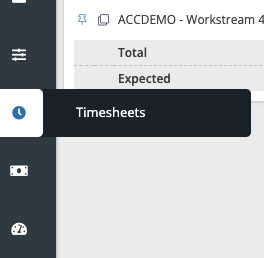
- Go to Timesheets in the menu on the left.
By default you will see your name in the dropdown on top.
- Use the + icon to add the project you have worked on to the list.
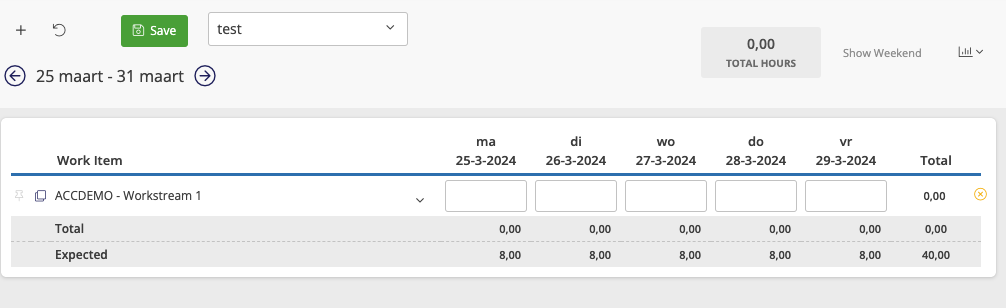
- Enter the amount of hours per day (for 1 day enter 8 hours).
- Click on Save to store the timesheet
As a project manager you can enter the actual effort for Accelerant colleagues that worked on your project. Do this by selecting a different name from the dropdown on top of the timesheet and repeat the steps.