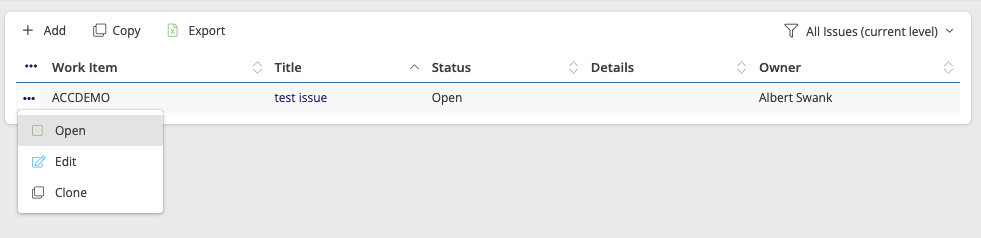
Open your project and click on the Action view tab called ‘Risks’.
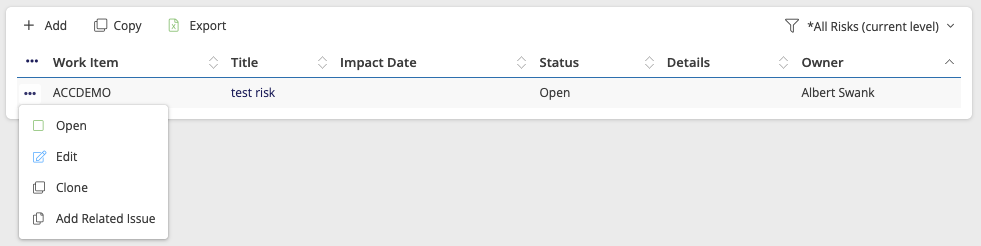
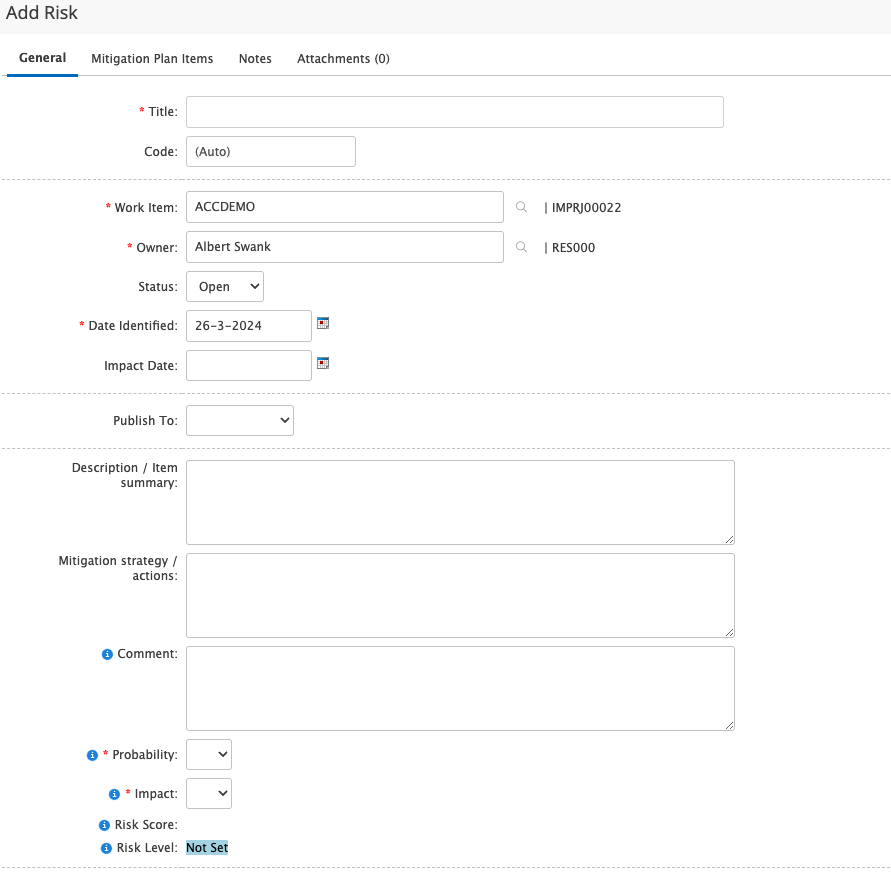
Add a new risk
Click on ‘Add’ to add a new risk to the risk log.
Enter the issue details and click on Save or Save and close when done.
Update an existing issue
When the risk is already in the risk log you can open the item to update the information or status.
- Click on the title or on Open in the menu behind the 3 dots to open the item.
- Update the risk details and click on Save or Save and close when done.
- When a risk is no longer relevant you can close it by changing the status from Open to Closed. A closed risk will not appear in the PSR.